Your emails are going out. Your campaigns look great. But the sales that normally come from those campaigns? They’ve slowed to a crawl. If this sounds familiar, there’s a good chance you’re dealing with something most business owners don’t think about until it’s too late: an email blacklist.
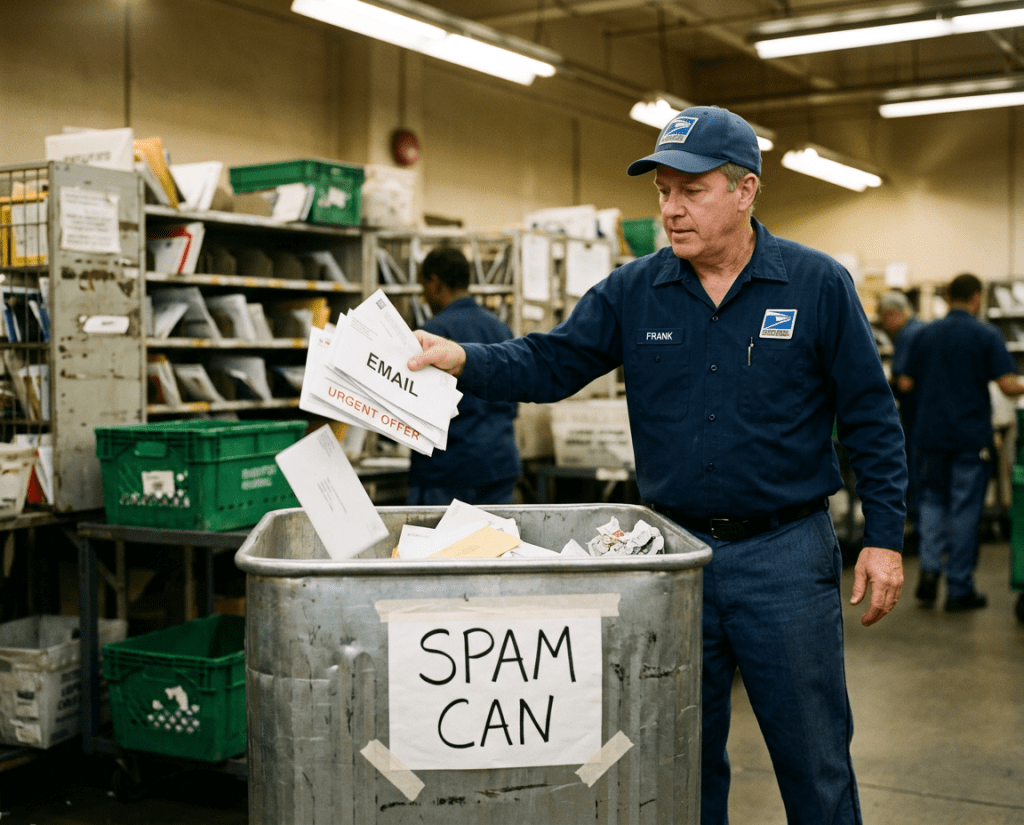
An email blacklist is a database that tracks IP addresses and domains flagged for sending spam or suspicious email. These lists are maintained by independent organizations like Spamhaus, SpamCop, and Barracuda, as well as by major inbox providers like Gmail, Outlook, and Yahoo. When your sending IP or domain ends up on one of these lists, your emails either get dumped into spam folders or rejected entirely. Your recipients never see them. They don’t even know you tried to reach them.
Here’s the thing: this is not just a technical nuisance. This is a revenue problem. According to Marigold’s 2025 Consumer Trends Index, 54% of consumers said their most recent purchase came from an email, making it the top performing channel ahead of social ads, SMS, and everything else. Email marketing still delivers an average return of $36 to $42 for every dollar spent. When your messages stop landing in inboxes, that entire engine shuts down.
What Exactly Is an Email Blacklist and How Does It Work?
Think of an email blacklist like a credit score for your sending reputation, except failing means your messages get blocked at the door. Every time you send an email, the receiving server checks your IP address and domain against these databases. If you’re listed, the server either rejects the message outright or flags it as spam. The recipient never opens it because they never see it.
These lists gather their information from several sources. Spam trap addresses, which are email accounts specifically set up to catch senders who aren’t following permission based practices, are a big one. Recipient complaints are another. If enough people hit that “report spam” button on your emails, blacklist operators take notice. High bounce rates, sudden spikes in sending volume, and missing authentication records all contribute.
Not all blacklists carry the same weight. There are over 100 publicly accessible blacklists, but the ones that really matter are maintained by the major players like Spamhaus, SpamCop, Barracuda, and Invaluement. Getting listed on one of these can devastate your deliverability overnight. Smaller, lesser known lists may not have as much of an impact, but being on multiple lists compounds the problem quickly.
There are also private blacklists that the major email providers maintain internally. Gmail, Microsoft, and Yahoo all run their own filtering systems that you cannot see. You only find out you’re on one of these when your emails start bouncing or your engagement metrics fall off a cliff.
Why Should You Actually Care About Being on an Email Blacklist?
Because the numbers are brutal. According to Validity’s 2025 Email Deliverability Benchmark Report, roughly one in six marketing emails never reaches the inbox. The global average for inbox placement sits around 83 to 84%. That means even under normal conditions, a chunk of your emails are getting filtered out. Now imagine what happens when you’re on an email blacklist. That number gets much worse.
One Marigold client experienced this firsthand. When their inbox placement dropped due to practices that didn’t align with deliverability standards, their daily revenue fell by 11.5%. That’s not a dip in open rates. That’s real money disappearing from the business every single day.
Microsoft Outlook, which dominates B2B email, already has some of the strictest filtering in the industry. Validity’s 2025 data shows an average inbox placement rate of just 75.6% for Outlook, with spam rates above 14%. If you’re blacklisted on top of those already tough conditions, you’re practically invisible to your B2B audience.
Most businesses skip this part. About 52.8% of email professionals do not monitor blocklists for their IPs or domains, according to data from Stripo. That means more than half of the people sending email campaigns have no idea if they’ve been blacklisted. They’re flying blind, wondering why results are declining while the answer is sitting in a database they’ve never checked.
How Do You End Up on an Email Blacklist in the First Place?
There are several ways this happens, and some of them might surprise you.
Poor list hygiene. This is the number one culprit. ZeroBounce’s 2026 Email List Decay Report, based on analysis of over 11 billion email addresses processed in 2025, found that at least 23% of email lists degrade every year. Only 62% of the email addresses submitted for verification turned out to be valid. Sending to outdated, invalid, or abandoned addresses drives up your bounce rate, which signals to inbox providers and blacklist operators that you’re not maintaining a clean list.
Spam trap hits. Spam traps are email addresses that exist specifically to catch senders who aren’t using permission based lists. Some are recycled addresses that were once valid but have been repurposed. Others are pristine traps that were never associated with a real person. If you’re emailing these addresses, it tells blacklist operators that you’re either scraping emails, buying lists, or not cleaning your database.
High complaint rates. Gmail and Yahoo require bulk senders to maintain spam complaint rates below 0.3%. Microsoft’s requirements are even stricter in practice. If recipients are regularly marking your emails as spam, it doesn’t take long before that activity triggers a blacklist addition. ZeroBounce identified over 155 million abuse email addresses in 2025 alone, meaning contacts that are known for marking messages as spam.
Sudden volume spikes. If you normally send 5,000 emails a week and suddenly blast out 50,000, that’s a red flag. Legitimate senders don’t typically change their sending patterns that dramatically overnight. Spammers do.
Missing authentication records. As of 2024 and 2025, Google, Yahoo, and Microsoft all require senders to have SPF, DKIM, and DMARC authentication records properly configured. These protocols verify that you are who you say you are. Without them, your emails are far more likely to be filtered or rejected. Data from The Digital Bloom’s 2025 analysis found that fully authenticated senders are 2.7 times more likely to reach the inbox than senders without proper authentication.
How Do You Check If You’re on an Email Blacklist?
Checking is straightforward, and there are free tools that make it easy. MXToolbox lets you enter your IP address or domain and scans it against over 100 blacklists in real time. Mail Tester gives you a spam score for your emails and identifies potential issues. Google Postmaster Tools is free and shows you how Gmail views your sending reputation, including spam rates and authentication status.
If you’re using an email service provider like Mailchimp, HubSpot, or ActiveCampaign, many of them include deliverability monitoring in their dashboards. But don’t rely on those alone. Running an external check through MXToolbox at least once a month gives you an independent picture of where you stand.
Here’s something that surprises people: Mailgun’s 2025 State of Email Deliverability report found that nearly 88% of senders could not correctly define what the email delivery rate metric actually measures. Delivery rate tells you what percentage of emails were accepted by the receiving server. It does not tell you whether those emails made it to the inbox or got dumped in spam. You need to look at inbox placement, open rates, click rates, and engagement trends together to get the full picture.
What Should You Do If You’re Already Blacklisted?
First, don’t panic. Getting on an email blacklist is not a permanent sentence, but it does require immediate action.
Start by identifying which blacklists you’re on using MXToolbox or a similar tool. Each blacklist has its own removal process. Spamhaus has a self service removal center. SpamCop works on a scoring system and will automatically delist you once the spam source is resolved, usually within 48 hours. The PSBL, known as the “easy on, easy off” blacklist, allows direct removal requests.
Before you request removal, fix the root cause. Clean your email list by removing invalid addresses, inactive subscribers, and known abuse contacts. Verify that your SPF, DKIM, and DMARC records are correctly configured. Reduce your sending volume temporarily and ramp it back up gradually. If you request removal without addressing the problem, you’ll end up right back on the list, and repeated listings make future removal harder.
The harder part is rebuilding your sender reputation after you’ve been delisted. This takes time and consistent good behavior. Send to your most engaged subscribers first. Keep your volume steady. Monitor your bounce rate and complaint rate closely. Inbox providers are watching, and they reward senders who demonstrate reliability over time.
How Do You Prevent Getting on an Email Blacklist?
Prevention is always easier than recovery. Here’s what actually works.
Clean your list regularly. At a minimum, verify your email list quarterly. Tools like ZeroBounce, Bouncer, and NeverBounce can identify invalid addresses, spam traps, and abuse contacts before they cause damage. Given that nearly a quarter of email lists decay every year, this is not optional.
Set up proper authentication. SPF, DKIM, and DMARC are table stakes now. Google, Yahoo, and Microsoft all require them for bulk senders. If you haven’t set these up, you’re already operating at a disadvantage. Only about 58% of B2B email senders have authentication properly configured, which means nearly half the market is sending without basic protections.
Use confirmed opt in whenever possible. When someone signs up for your list, send a confirmation email that requires them to verify their address. This prevents fake signups, typos, and spam traps from entering your list. It’s an extra step, but it dramatically improves list quality.
Watch your sending patterns. Ramp up volume gradually when launching new campaigns or warming a new IP. Sudden spikes trigger automated defenses at inbox providers and blacklist operators. Keep your sending frequency consistent and predictable.
Monitor your metrics. Track bounce rates, complaint rates, open rates, and click rates over time. A sudden drop in engagement is often the first sign that something is going wrong with your deliverability. Use Google Postmaster Tools and your email platform’s built in analytics to stay on top of these numbers.
Make unsubscribing easy. This sounds counterintuitive, but making it hard to unsubscribe pushes people toward the “report spam” button instead. That’s far worse for your reputation than losing a subscriber who wasn’t engaged anyway.
So What Happens to Your Business When Email Stops Working?
That’s the question every business owner needs to sit with. Email marketing drives more purchases than social media ads, SMS, and banner ads combined. It returns $36 to $42 for every dollar spent. Automated emails alone generate four times more revenue than standard campaign sends. When an email blacklist cuts off your access to your subscribers’ inboxes, you’re not just losing opens and clicks. You’re losing the single most effective revenue channel in digital marketing.
The businesses that protect their email deliverability are the ones that keep that revenue flowing. Clean your list. Authenticate your domain. Monitor your blacklist status. Keep your complaint rates low and your engagement high. These aren’t advanced tactics reserved for enterprise companies with dedicated deliverability teams. They’re the basics, and they work for businesses of every size. An email blacklist is not just an inbox problem. It’s a revenue problem. Treat it like one, and you’ll stay out of trouble.